
Navigation electronics refit: plotters, radar and AIS at the helm
New electronics change how a yacht is sailed. Deciding what is shown where, how antennas and cables are run and how everything is calibrated matters as much as the units themselves.
The old chart table instruments have a charm of their own: amber numbers, a dial that sticks a little, a plotter whose screen washes out to grey in the afternoon sun. When an owner decides to renew them, the temptation is to order the newest displays and fit them where the old ones were. The better refits begin somewhere else, with a sheet of paper and a simple question: who needs to see what, from where, in every condition the yacht is likely to meet?
What a refit can include
A navigation refit can be as small as a new chartplotter or as large as a complete package. Typical elements are multifunction displays or chartplotters at the helm and the chart table; a radar, today usually a solid state unit that uses little power and performs well at short range; an AIS transceiver, Class B for most leisure yachts and Class A for larger vessels; a VHF radio with DSC; depth, speed and wind instruments; and a heading sensor that feeds the displays, the radar overlay and often the autopilot.
The VHF with DSC needs an MMSI number, usually issued by the national radio authority together with the ship’s radio licence, and the same number is entered into the AIS. If the yacht changes flag or owner, the number usually changes too, and both units then need updating by someone authorised to do it. Power matters as well: modern displays and solid state radars draw less than the units they replace, but a full package left running at anchor still adds up and belongs in the energy budget.
Planning the helm and the chart table
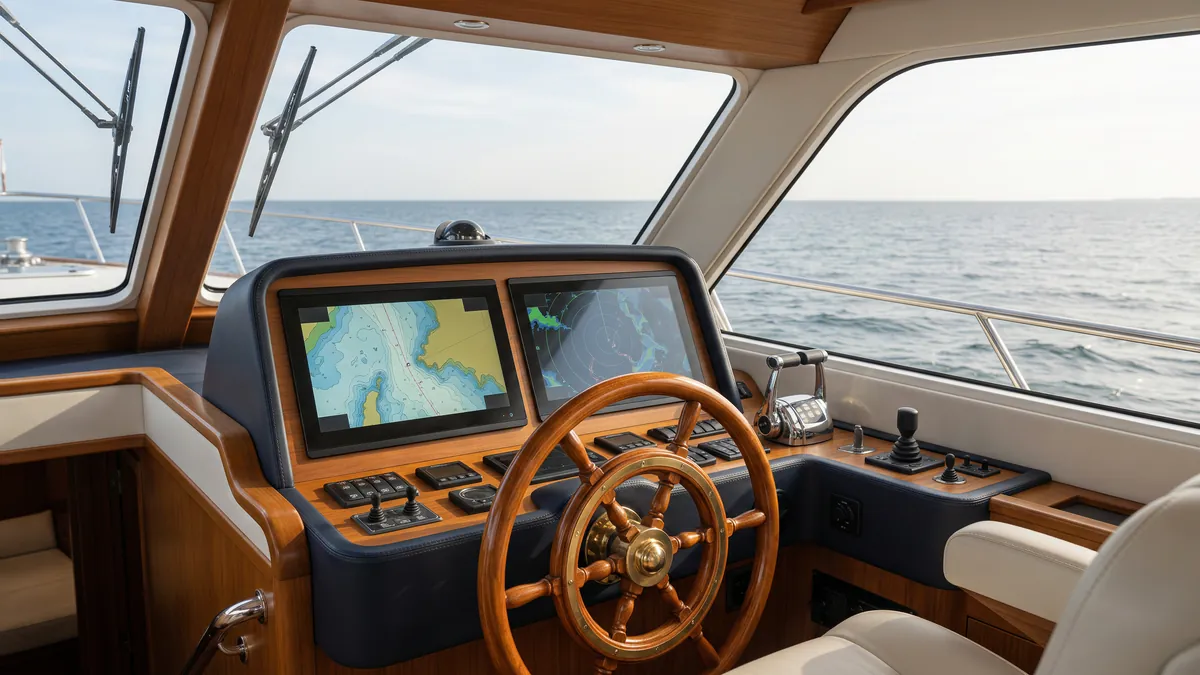
Start with the people. At the helm, whoever is steering needs depth, speed, heading and wind at a glance, a chart and radar picture for close quarters, and the autopilot controls within reach. At the chart table, the navigator wants a larger chart, AIS targets, routes and tides, with the VHF handset close by. Decide which display shows what in each situation, and whether one large screen or two smaller ones serve better. Sunlight readable displays are essential in the cockpit, and they should stay readable through polarised sunglasses, which not every screen does.
Data connects the units. Instruments and sensors usually share their information over an NMEA 2000 network, while radar, cameras and links between displays commonly use Ethernet. How that network is laid out is a subject of its own; at the planning stage it is enough to know which unit talks to which, and where each cable will run.
A refit planned around people ends up simpler than one planned around boxes.
Antennas, radomes and cable routes
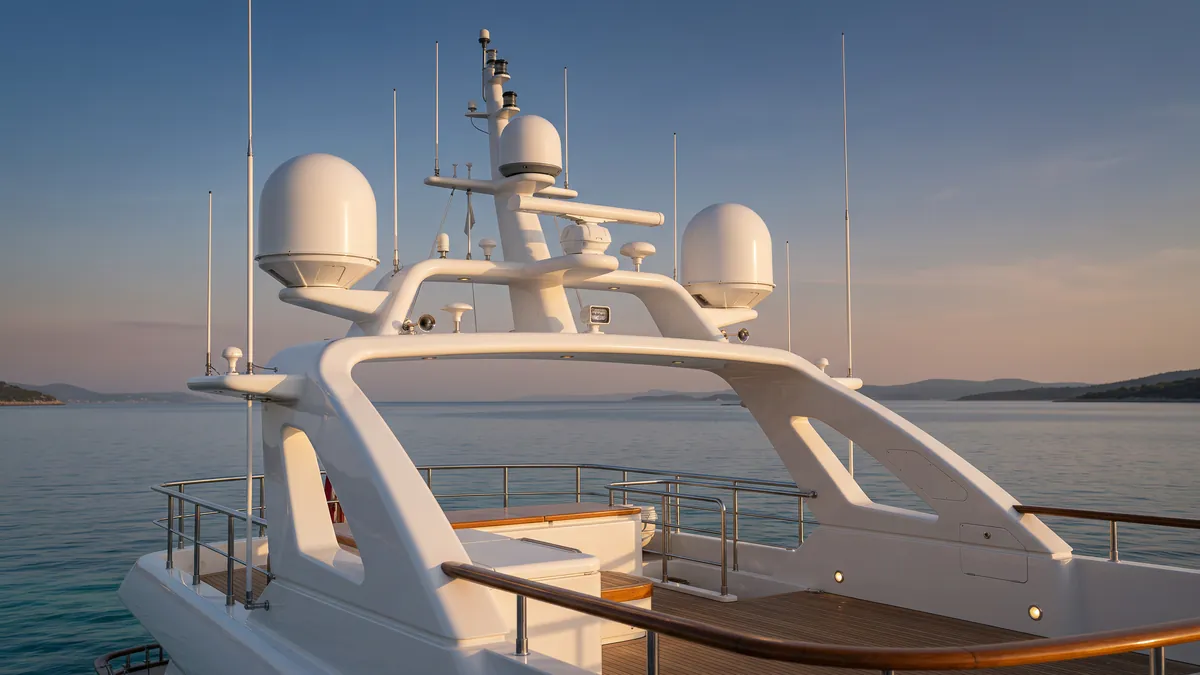
Antenna positions decide performance. The VHF antenna belongs as high as possible, usually at the masthead on a sailing yacht, because range depends on height. AIS can share that antenna through a suitable splitter or have its own, and the GPS antenna needs a clear view of the sky, away from the radar beam. A radome is usually mounted on the mast or a stern arch, high enough for useful range and above the heads of people on deck, and it must be aligned with the centreline so that the picture points truly ahead.
Every cable that passes from deck to cabin is a possible leak. Use proper deck glands sized for the cable, bedded on a suitable sealant and placed where water does not collect. Inside, run the cables along protected routes with room for future additions, and leave a draw cord in any conduit through the mast or behind the headlining. Power each unit from its own fused circuit, sized as the wiring rules require, so that a fault in one does not take down the rest.
Old units: what to keep, what to replace together
Not everything has to go. A masthead wind sensor that reads correctly, a reliable VHF with DSC or a recent depth transducer may be worth keeping if they can talk to the new network, through a gateway where necessary. Displays, however, are usually best replaced together, so they share the same software generation, menus and chart format. Mixing old and new screens often leaves features that only work on one of them.
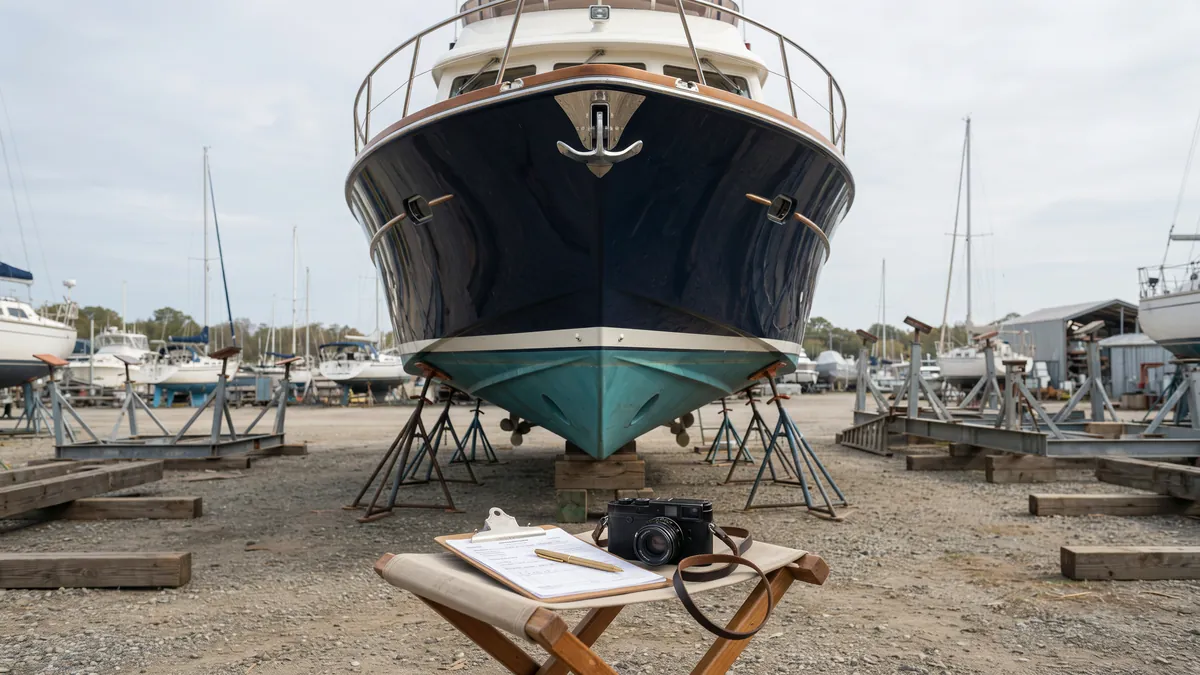
Through-hull transducers for depth and speed are best changed while the yacht is ashore, so time that part of the refit with a haul-out. Their fittings and sealing are yard work and deserve the same care as any other opening below the waterline.
Backups, charts and software
Electronics fail, usually at an awkward moment. A sensible refit includes backups that do not depend on the main network or the house bank:
- A handheld GPS with spare batteries, or a second independent position source
- Paper charts for the cruising area, or a tablet with charts and its own power
- A handheld VHF radio, charged and stowed near the companionway
- A hand bearing compass for taking bearings and checking the steering compass
- A printed list of waypoints and the key radio channels for the area
Charts and software need updating, ideally before the season rather than on the first day of a cruise over slow marina wifi. Keep a note of the software version on each unit; when one is updated, check that the others still understand it.
Sea trial and calibration
Installation is only half the job. On the first sea trial, set the depth offset to show depth below the keel or below the waterline, whichever you prefer, calibrate the speed log against a known distance or against GPS speed in slack water, align the wind sensor so that the display shows the wind dead ahead when the bow points into it, and calibrate the heading sensor by turning slowly in calm water as the maker describes. Check that the radar image lines up with the chart, that AIS targets appear where they should and that your own AIS signal is received by others. Only then is the new installation ready for a night passage.
Questions and answers
Do I need Class A or Class B AIS?
Most leisure yachts fit Class B transceivers, while Class A is used on larger vessels and wherever rules require it. Check what your flag state and the use of the yacht demand, particularly if it is chartered or above a certain size.
Can I keep my old instruments with new displays?
Often yes, if they can share data with the new network, sometimes through a gateway. Displays are best replaced together so that they share software and chart formats.
Why does my new radar picture not match the chart?
Usually the alignment of the radar with the centreline or the calibration of the heading sensor is off. Both are set during the sea trial, and your installer can correct them with the maker’s procedure.
What happens to the MMSI when I buy a used yacht?
The MMSI is linked to the ship’s radio licence and usually changes with a new owner or flag. The VHF and AIS then need to be updated with the new number by someone authorised to do it.
Our articles are general information written with care. Intervals and figures are guide values; the maker’s manual, your flag state, classification society and insurer take precedence, and safety critical work belongs with qualified professionals.